Packages Imports & Consolidation
Your Packages.
One Simple Process.
Add your purchases to the Waypoint Portal, upload your invoice and shipment details, and let our team coordinate receiving, consolidation, customs clearance, and final delivery in the Cayman Islands.
BEFORE YOU START
Set Up Your Account for Smooth Importing
Before creating your first package shipment, complete these quick setup steps so Waypoint Imports can process your customs documentation, shipment details, and delivery without unnecessary delays.
Assign Waypoint as Your Trader
Visit the COLS website and assign Waypoint Imports as your authorized trader before submitting shipments for customs processing.
Add Your TIN
Log in to your Waypoint Portal profile and add your Tax Identification Number (TIN) so your shipment and customs information can be processed correctly.
Prepare Your Purchase Details
Keep your supplier details, purchase invoice, order information, item values, and shipment details ready before creating your shipment in the portal.
Already Set Up?
Once your trader assignment and TIN are in place, you can create a shipment in the Waypoint Portal, upload your invoice, and start tracking your package through the import process.
GET STARTED
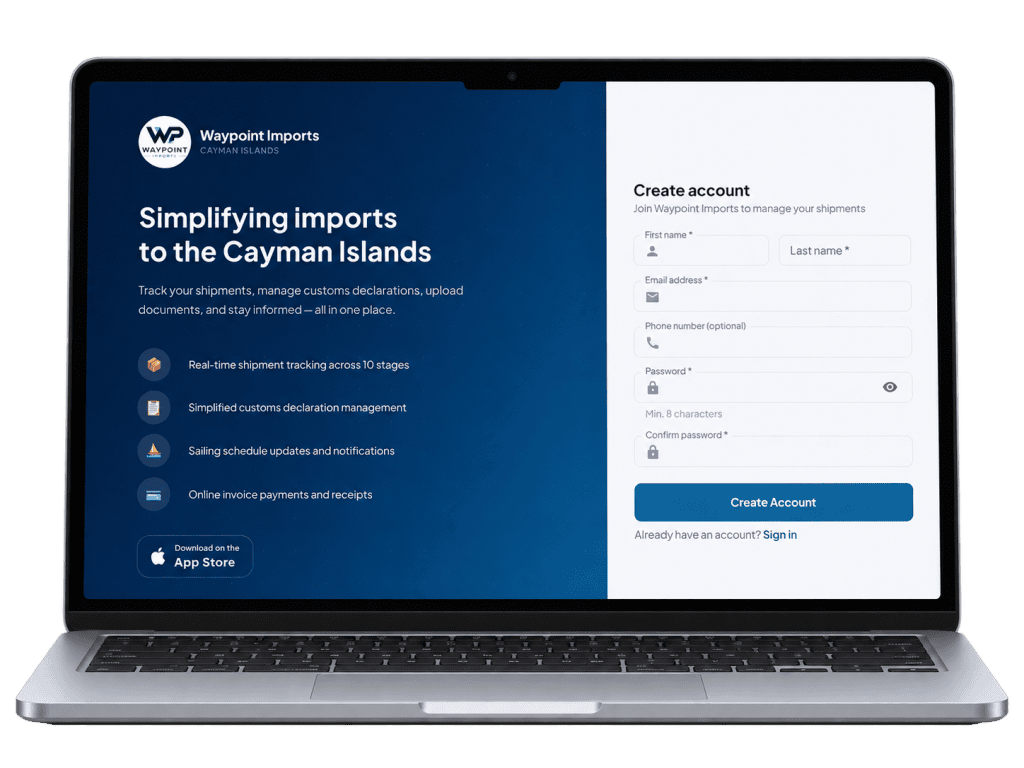
Create Your Waypoint Account
Create your Waypoint Portal account to start managing your shipments in one place. Once registered, you can add package details, upload purchase invoices, track shipment progress, request consolidation, view customs updates, and follow your delivery through to final handoff.
HOW PACKAGE IMPORTS WORK
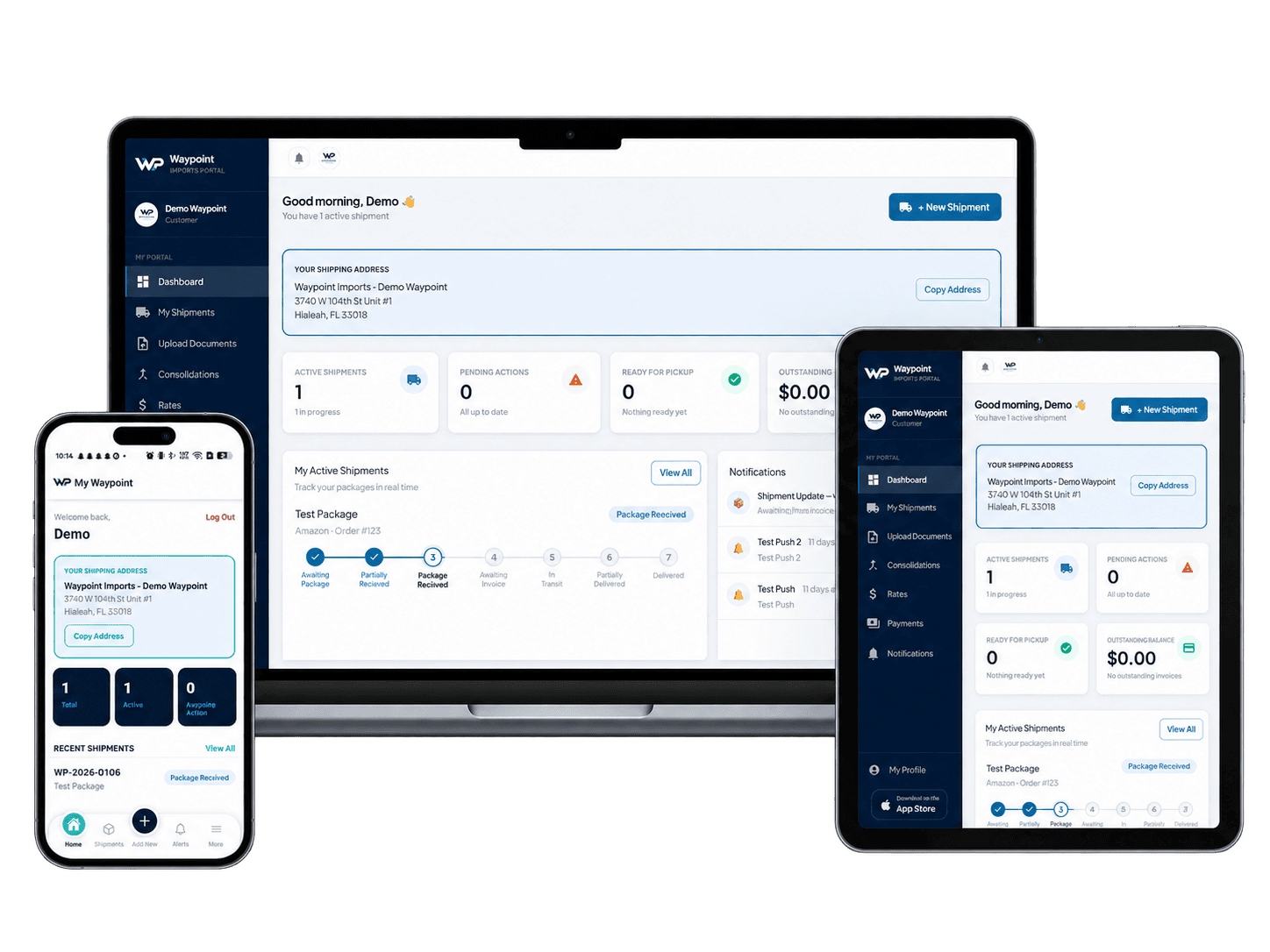
Manage Every Shipment Through Your Waypoint Portal
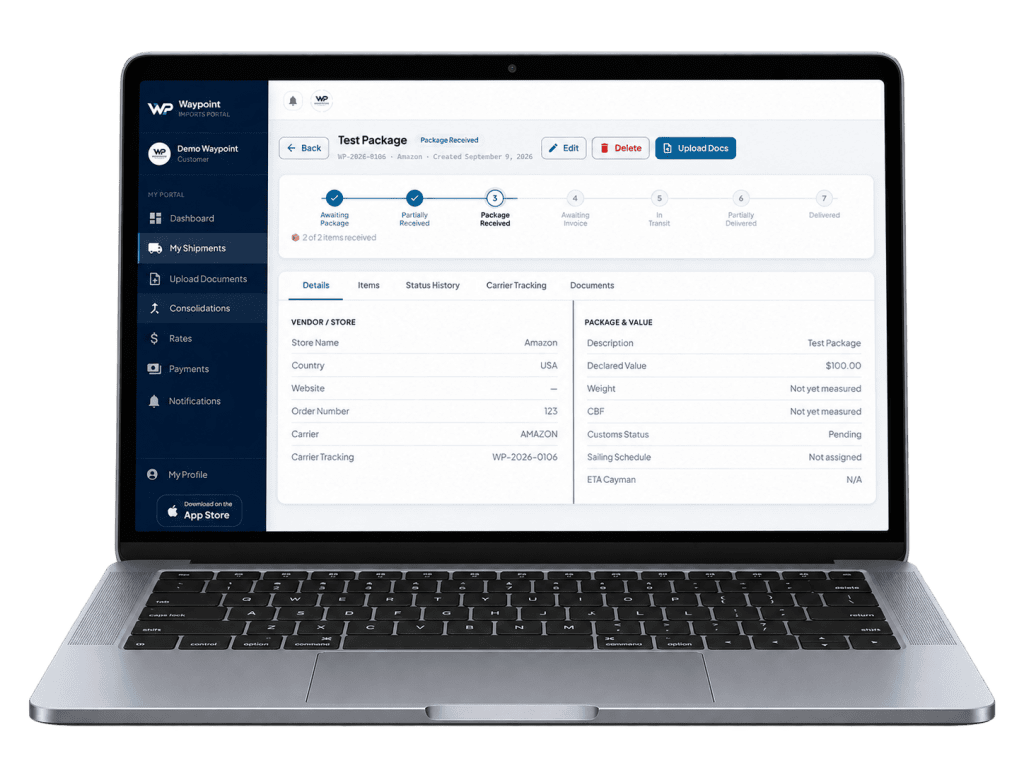
Once your Waypoint account is set up, the portal becomes the central place to create shipments, upload purchase documents, monitor package status, manage consolidation, and follow your shipment through customs clearance and final delivery.
- Create Your Shipment
- Upload Your Purchase Invoice
- Track Package Receiving
- Review Your Package Details
- Consolidate When Needed
- Customs Clearance & Delivery